

Student Direct Links
A direct link is a personal upload page for one specific student. Instead of collecting transcripts by email, send the student a link — they upload on your branded subdomain, and the evaluation lands in your queue with the student’s details already attached. Direct links live under Evaluations › Direct Links and require the Analyst role.
Create a link
Section titled “Create a link”-
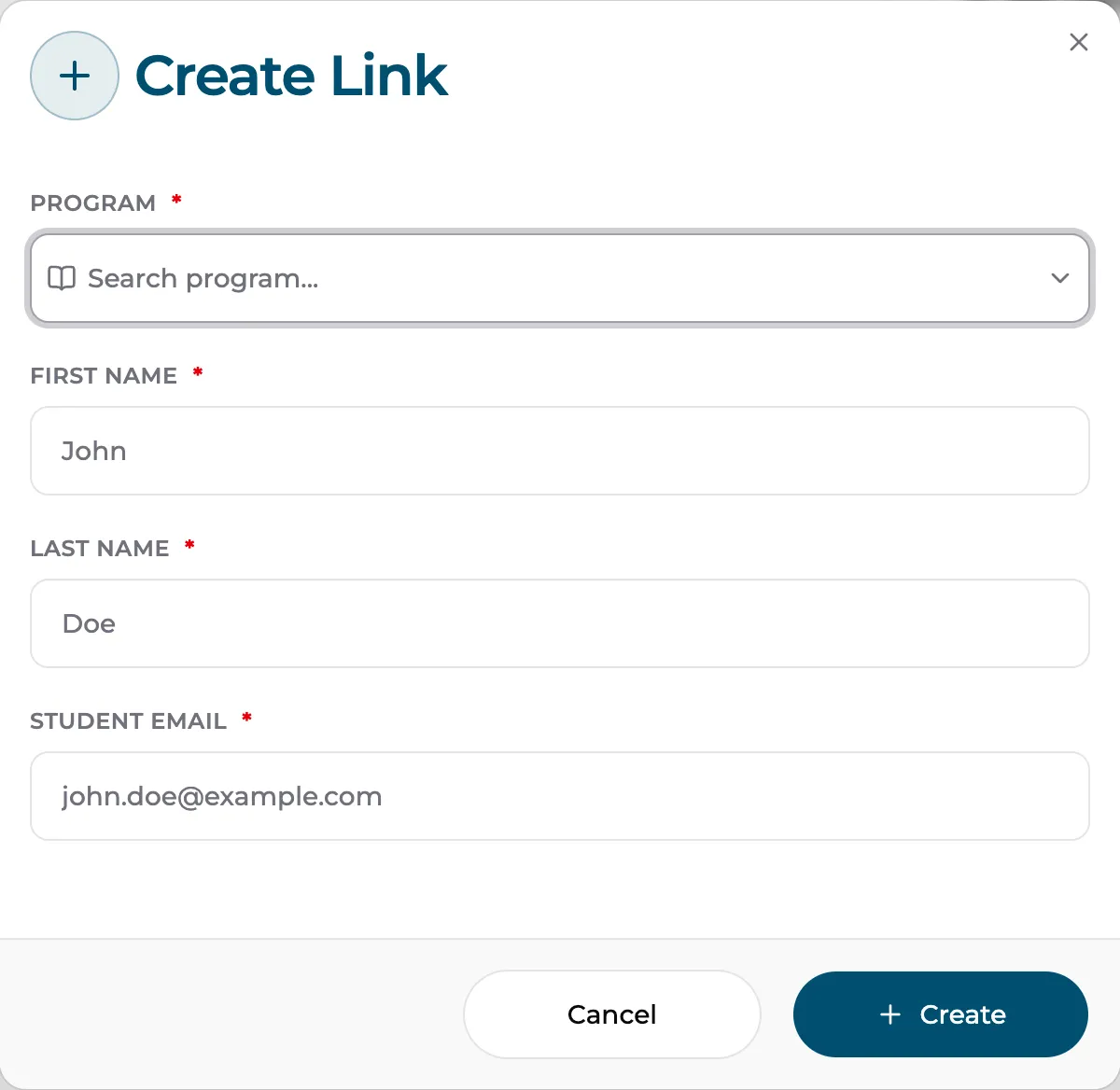
Go to Evaluations › Direct Links and click Create.
-
Enter the student’s details:
- Program — required; the program their transcript will be evaluated against.
- First Name, Last Name, Student Email.
-
Create the link. The generated upload URL is shown — copy it and send it to the student (email is prefilled on their end, so the link is theirs alone).
What the student sees
Section titled “What the student sees”The link opens an upload page on your institution’s TCEvaluator subdomain with your logo and branding. Their email is already filled in; they add their transcript (PDF, JPG, or PNG), optionally certificates and work experience, and submit. After a quick 6-digit email verification, the AI processes the transcript and the student receives their results page and email — styled by your results page settings.
Track and manage links
Section titled “Track and manage links”The Direct Links page lists every link with a Not Used / Used filter and email search, so you can see who hasn’t uploaded yet and nudge them.
Each link’s row menu offers:
- Open Link — view the student’s upload page yourself.
- Edit Link — fix the student’s details before they use it.
- Revoke Link — kill the link; it stops working immediately.
Direct links vs. the website form
Section titled “Direct links vs. the website form”| Direct link | Website embed form | |
|---|---|---|
| Audience | One known student | Anyone visiting your site |
| Created by | Your staff, per student | Generated once, embedded on a page |
| Student details | Pre-filled by you | Entered by the student |
| Arrives as | Evaluation for that student | Lead under Marketer › Leads |